


The good old days of having your own 8GB pen drives are behind us. We’re all addicted to cloud whether you like it or not. I keep all my scanned documents, online receipts and forms on there. It has definitely made my life simpler.
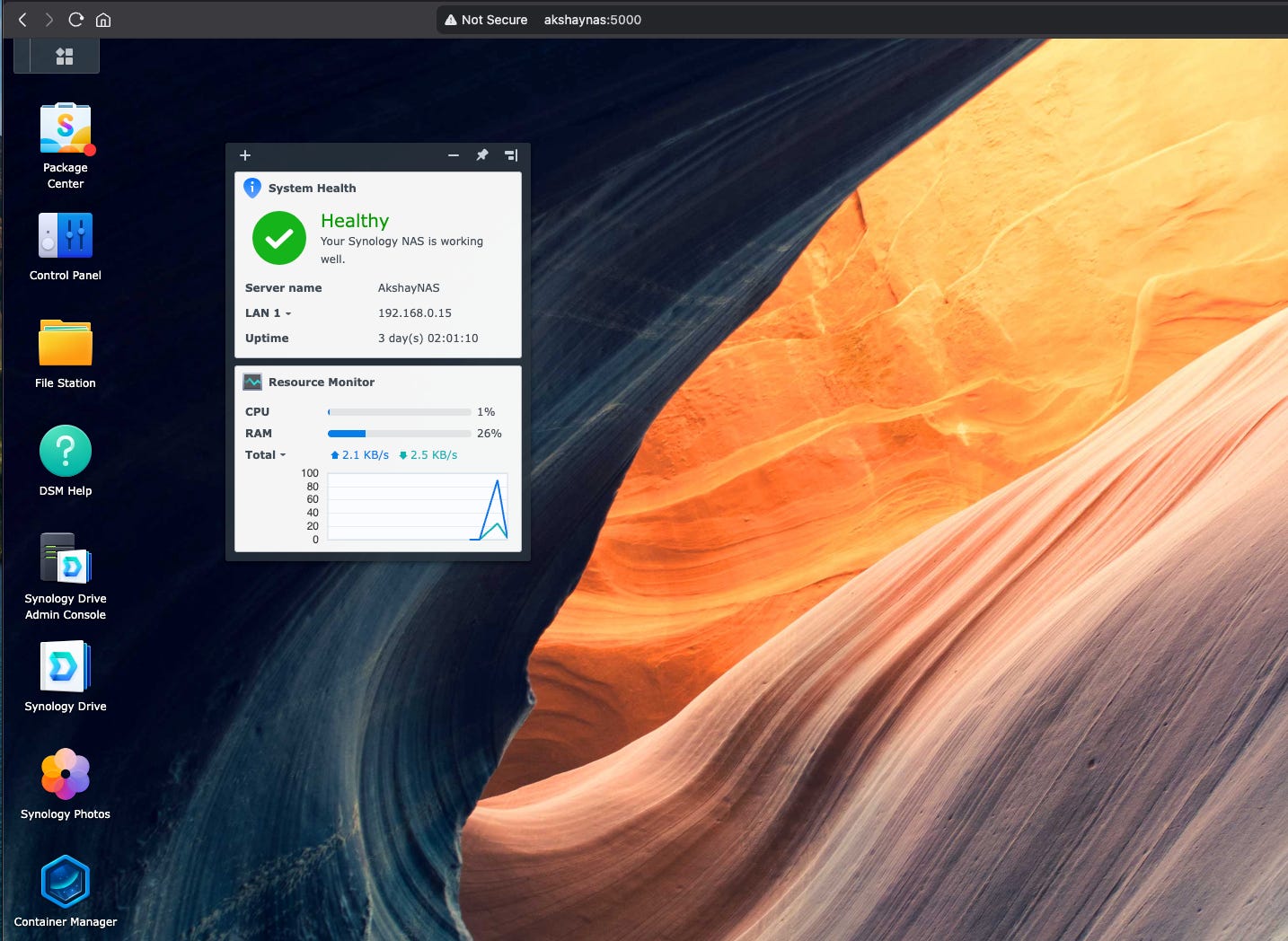
When my new accountant wanted some of my old tax receipts, all I had to do was hop on to my OneDrive, search for it and email the document straight to him. Pretty awesome. However, there’s a problem. I cannot store anything more than a few documents and some media without getting disk-space anxiety.
I kept adding documents and important photos and videos and I eventually ran out of space. I had a few options here-
Get a Hard Disk and put all my less priority files in there. There are a couple of problems with this. A hard disk is another Pen Drive but bigger AND I need to keep a track of the data on them. Also, how many hard disks will I keep buying? Where will I keep them? How will I take them all with me if I need something from there on the go? Perhaps, a better cost-effective alternative is to go with a cloud storage subscription?
Subscribe for a premium plan for a few bucks. It worked - for a while. I got 50 gigs of extra storage on my OneDrive account for a couple of bucks a month but with extra storage comes extra files. I quickly filled up the additional 50GB of storage, leaving me with limited space for my growing collection of documents, photos, and videos. I needed a more scalable and secure solution to store my important files. But, how can you trust your personal data you upload onto the cloud storage companies. They might be safe today but what about 5 years from now? What happens if your Google or Microsoft account is suspended? You have a LOT to lose. I needed something with more storage and more importantly something under my control.
NAS. Something the big boys at the enterprise companies have but they are now affordable enough to setup in your own home. Lets see why this was a game changer for me.
NAS, in case you didn’t know, stands for Network Attached Storage. Simply put, its a bunch of hard drives that lives in your closet. Like they say, Cloud is just someone else’s hard drive. The fancy people at Google and Microsoft have Data Centres. A closet works just fine for you and me.
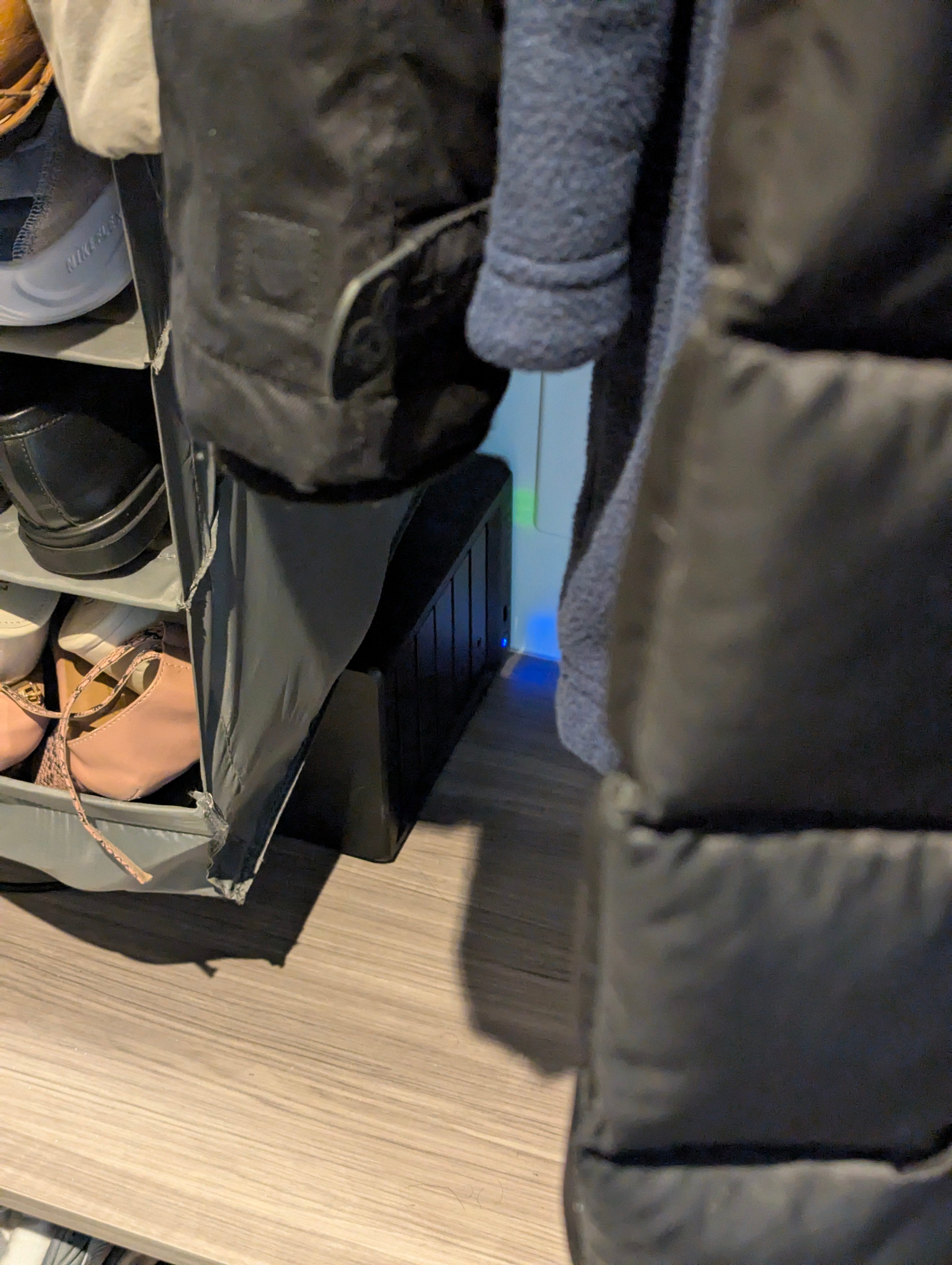
For the upfront cost, the fun of setting it up and the customization it offers, it is well worth the investment. I’ll explain why.
A NAS from Synology comes with a Linux operating system of its own and its whole purpose is to serve you the data and no nonsense. You can get a really good WD 12 TB (yes, terabytes) hard drive on Newegg for like $200CAD. I have 2 for redundancy just in case one of them fails. The NAS itself is a Synology DS923+ for under $600CAD. There are cheaper options if you don’t want to future proof it with more drive bays. The storage drives with the Synology OS layer attaches to your network like any other network drive. This opens up a ton of possibilities for customization.
Media Server for Movies, TV Shows, Photos and everything else. Synology offers an application called Synology Photos which you just download on your phone and it automatically backs up everything you have to your NAS. You can also create your own collection of 4K movies you want on your NAS and play them using Plex. Plex is just Netflix but connects to your NAS instead of the Netflix Server. And its free.
With a bit of understanding of Docker containers, you can setup an end to end system to download any Movie or TV Show you want by just adding its name to a NAS client like Radarr. It automatically looks up the movie on your favourite P2P client and gets the best quality straight to your Plex streaming service in minutes. I cancelled ALL my media subscription thanks to this.
Tailscale for Remote Access from ANYWHERE. You can connect to your NAS from ANYWHERE using layered network solution from Tailscale. Yes, this means you have the NAS added as a network drive on your laptop wherever you go. Again, for free.
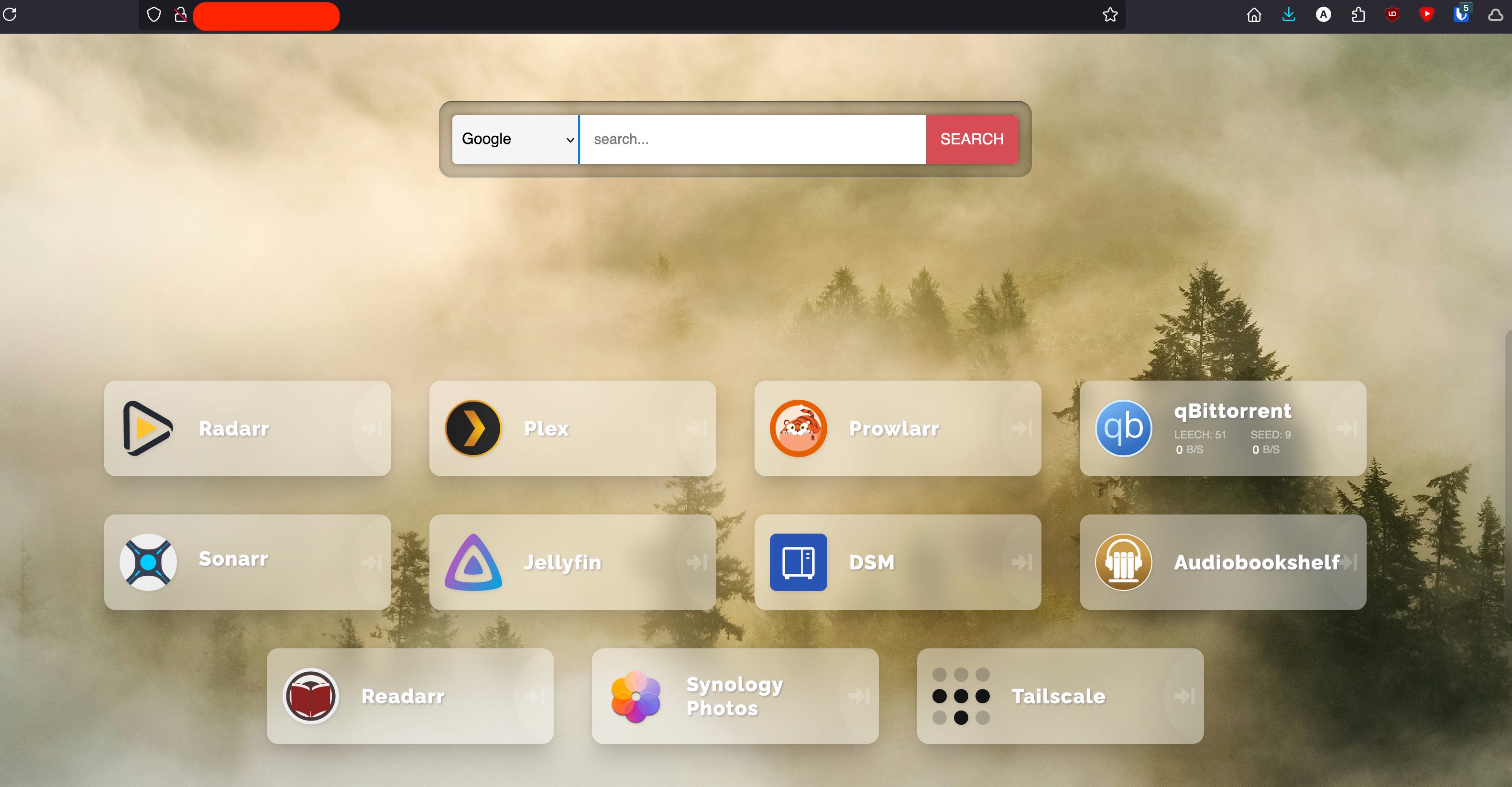
I’ve been using my NAS for a year now and I’m loving it. There’s so much more you can do and I’m still adding features and automation to it. If you’d like to know more on how I set the various E2E NAS flows up, subscribe to my Substack and comment below.
Thank you for reading.